
UltimaPos
EN DE
Request a demo

Every way to pay

Card payments

At the counter, over the phone or online: the same till takes the payment.

Card payments in person

Take card payments at the counter and at the table with the terminal you already use.

  • Works with Teya and Dojo card terminals, and with OPI terminals.
  • The till sends the amount to the terminal and waits for the approval: nothing to type in twice, so no wrong amounts.
  • Split a bill between cash and cards, or pay in parts, and add a tip.
  • Every payment is recorded against the member of staff who took it, and the cash drawer can open after it.
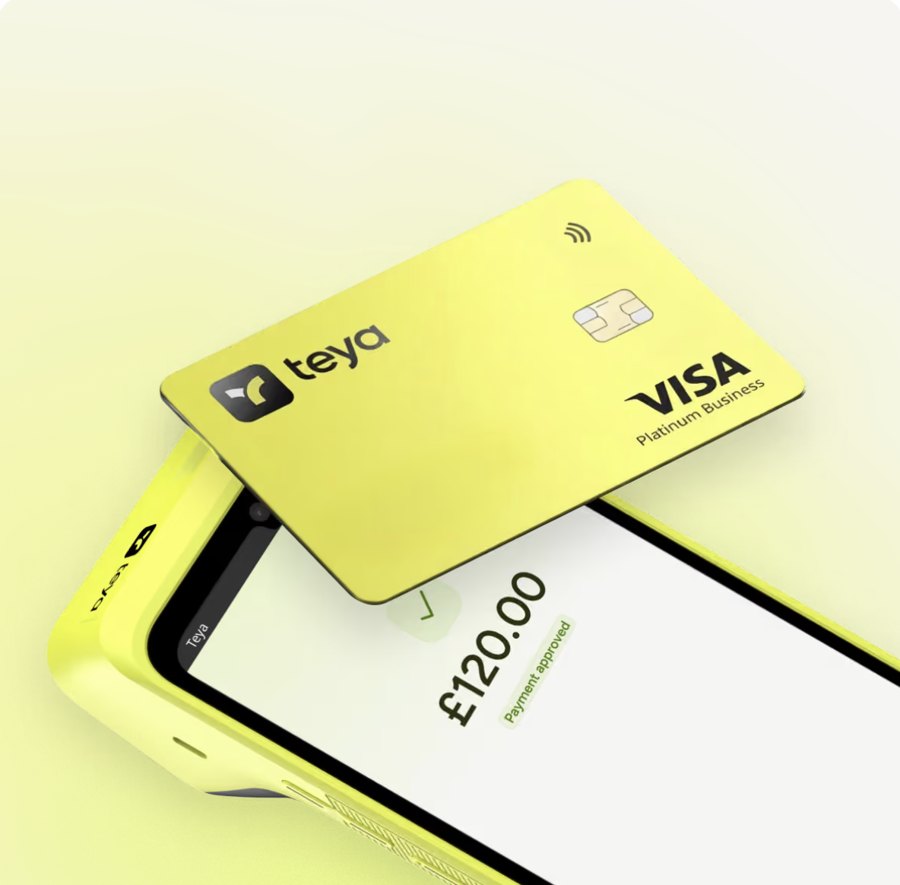
  • Teya terminals work with the till, for example the Teya Lite and the Teya Pro.
A card tapped on a Teya terminal, payment approved

Online card payment (e-commerce)

Customers of your own ordering site pay by card when they order.

  • Card payment on the online ordering site and the website, with Stripe, Teya or Dojo: you choose the provider.
  • The order reaches the till already paid and prints in the kitchen like any other.
  • Gift vouchers can be bought on the website and paid the same way.

Cancellations and refunds

Cancel an order for a reason from your own list and give the money back.

  • Cash is paid back from the till.
  • Card payments through Stripe and Dojo are refunded automatically; others are marked to refund by hand.
  • A cancelled sale is also cancelled properly for the tax office (see Fiscal compliance).

See it in your own store

Tell us about your store and we will show you the features that matter to you.

Request a demo